
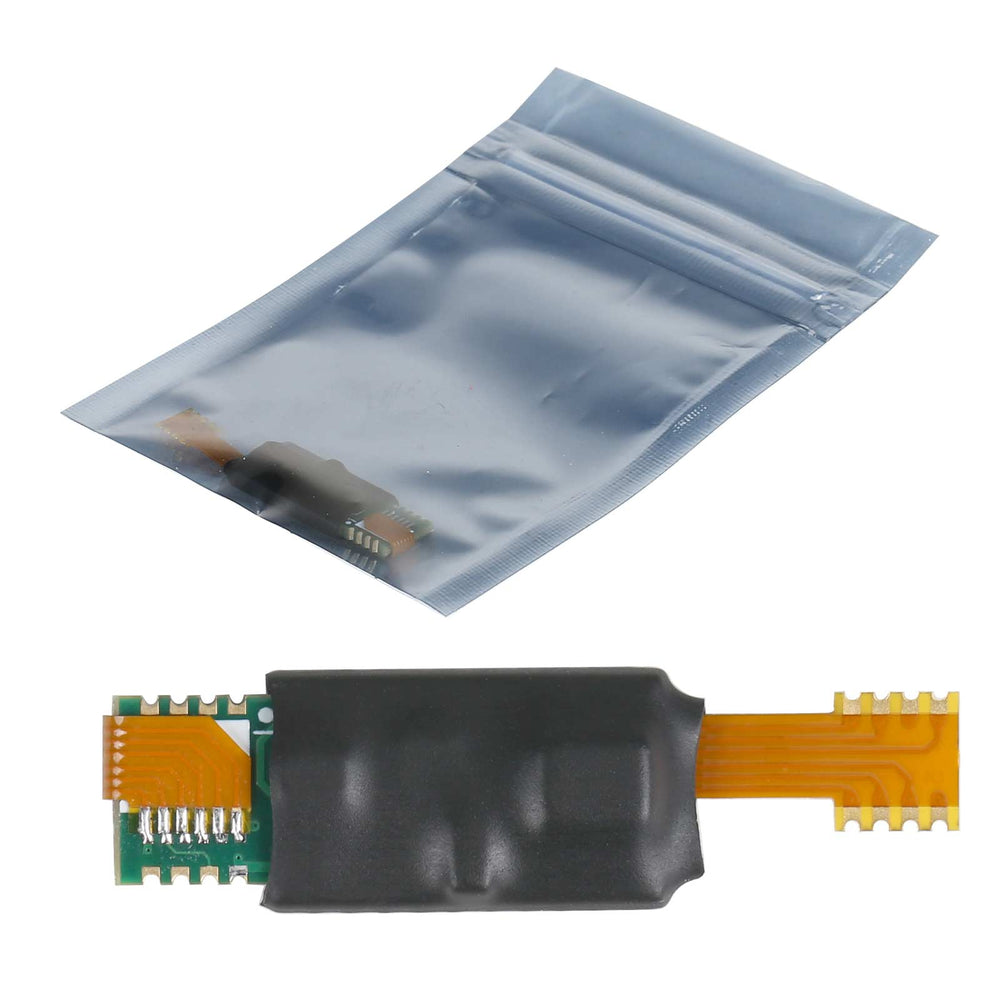
35128 Simulator by YANHUA, Compatible with MINI ACDP
$45.00
30-day return · buyer pays return shipping · read details
Fast Shipping & Tax Free
US
Ship from US
EU
Ship from EU
UK
Ship from UK
M35128 Programmer User's Manual
Product Instructions:
1. Install the CH341SER.EXE driver in the driver folder under the software directory.
1. Install the CH341SER.EXE driver in the driver folder under the software directory.
2. Connect M35128 Programmer to computer.
3. After opening 35128 PROGRAMMER V1.00.exe, the software will automatically scan and connect the device.
4. If the automatic connection fails, click the "Device Connect" button to connect the device manually.
5. Reading and writing operations can be started after the successful connection.
Operation Process:
1. Remove the original chip and connect it with the clip (the red wire of the clip need to be connected to pin 1).
2. Read and save the original data.
3. Modify data.
4. Connect the M35128 simulator with the clip and write the modified data.
5. Solder the M35128 simulator.
Package Includes:
Package Includes:
1pc x 35128 Simulator
Reviews coming soon.