
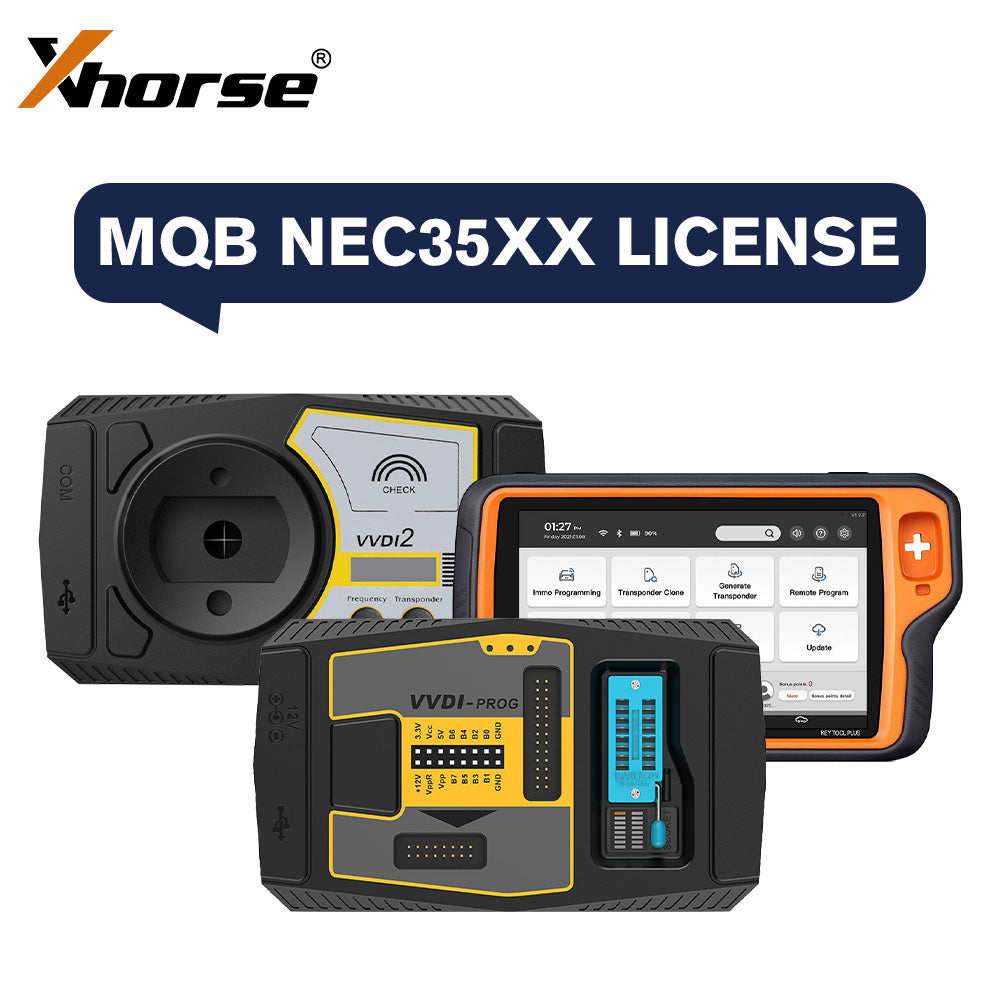
رخصة إضافة مفتاح وفقدان جميع المفاتيح لفولكس فاجن MQB من Xhorse – متوافقة مع Key Tool Plus Pad، VVDI2، وVVDI Prog
$239.00
30-day return · buyer pays return shipping · read details
Fast Shipping & Tax Free
US
Ship from US
EU
Ship from EU
UK
Ship from UK
ترخيص دعم إضافة مفتاح وفقدان كل المفاتيح من Xhorse لفولكس فاجن MQB

قائمة المركبات المدعومة:
فولكس فاجن: جولف 7، ماجوتان، CC، T-Roc، تايرون، بورا، ساجيتار، لاماندو، فاريانت، باسات، لافيدا، تيغوان L، تيرامونت
أودي: A3، Q2، Q3L
سكودا: أوكتافيا، كودياك، سوبرب، كاروق
ملاحظات:
- متوافق مع Key Tool Plus Pad أو حزمة VVDI2 + VVDI Prog.
- لاستخدام هذا الترخيص MQB مع حزمة VVDI2 و VVDI Prog، يجب أن يكون VVDI2 النسخة الكاملة. يرجى تقديم أرقام السيريال لكلا الجهازين والتأكد من أنهما مرتبطان بالفعل في تطبيق Xhorse.
- قد تتطلب عمليات فقدان المفتاح الكاملة تعاون طرف ثالث للحصول على بعض البيانات، مما قد يترتب عليه رسوم إضافية.
- يدعم قراءة بيانات جهاز منع التشغيل من نوع MQB48 مع شريحة NEC35XX، والتي لا يمكن قراءتها عبر OBD أو إجراءات فقدان المفتاح الكاملة القياسية. يدعم إضافة مفتاح وعمليات فقدان المفتاح الكاملة (مطلوب تزامن البيانات).

كيف تدمج الجهاز مع تطبيق Xhorse؟
أولاً، استخدم مجموعة الترقية للتعرف على vvdi2 أو vvdi prog، انقر على الربط في الزاوية اليمنى العليا، وسيظهر رمز الاستجابة السريعة.
ثم، ابحث عن واجهة شخصية الكرتون في تطبيق الهاتف المحمول، انقر على الحساب في الزاوية اليمنى السفلى، هناك خيار "دمج الجهاز"، انقر على "دمج الجهاز"، وامسح رمز الاستجابة السريعة للربط.
بعد هذه الخطوات، يمكنك رؤيته من حسابك.


Reviews coming soon.